2.79" TOUCHSCREEN • 1800mAh • 35W
Uwell Caliburn G5 Pro 35W Pod Mod Kit
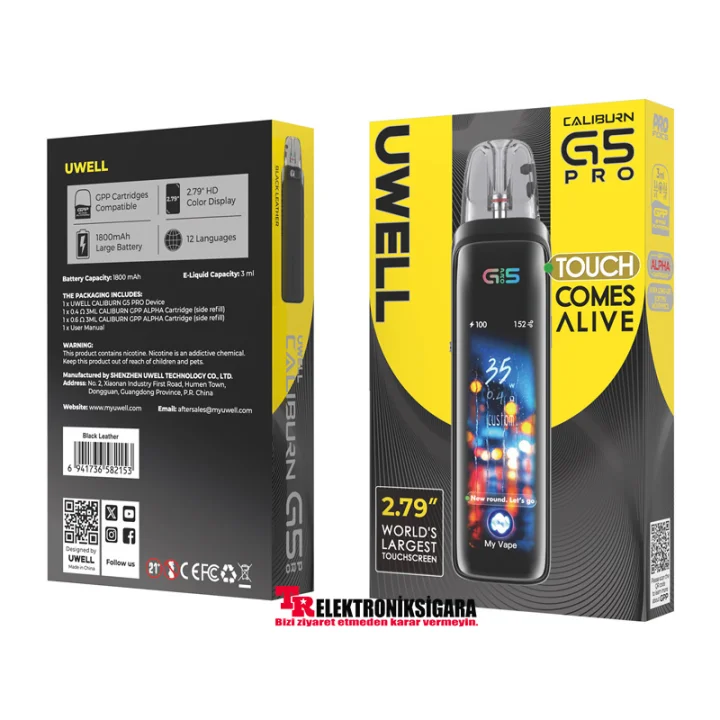
Meet the Caliburn G5 Pro: a large touchscreen, intelligent floating U-icon, customizable interface, and compatibility with GPP Alpha cartridges.
Uwell Caliburn G5 Pro Pod Mod Kit, featuring a 2.79-inch HD full touchscreen, a built-in 1800mAh battery , and adjustable output power up to 35W , is one of the Caliburn G series’ advanced screen-controlled pod systems. Customizable screen themes, full-screen scrolling text, and a single-page control panel let you manage device settings directly from the display.
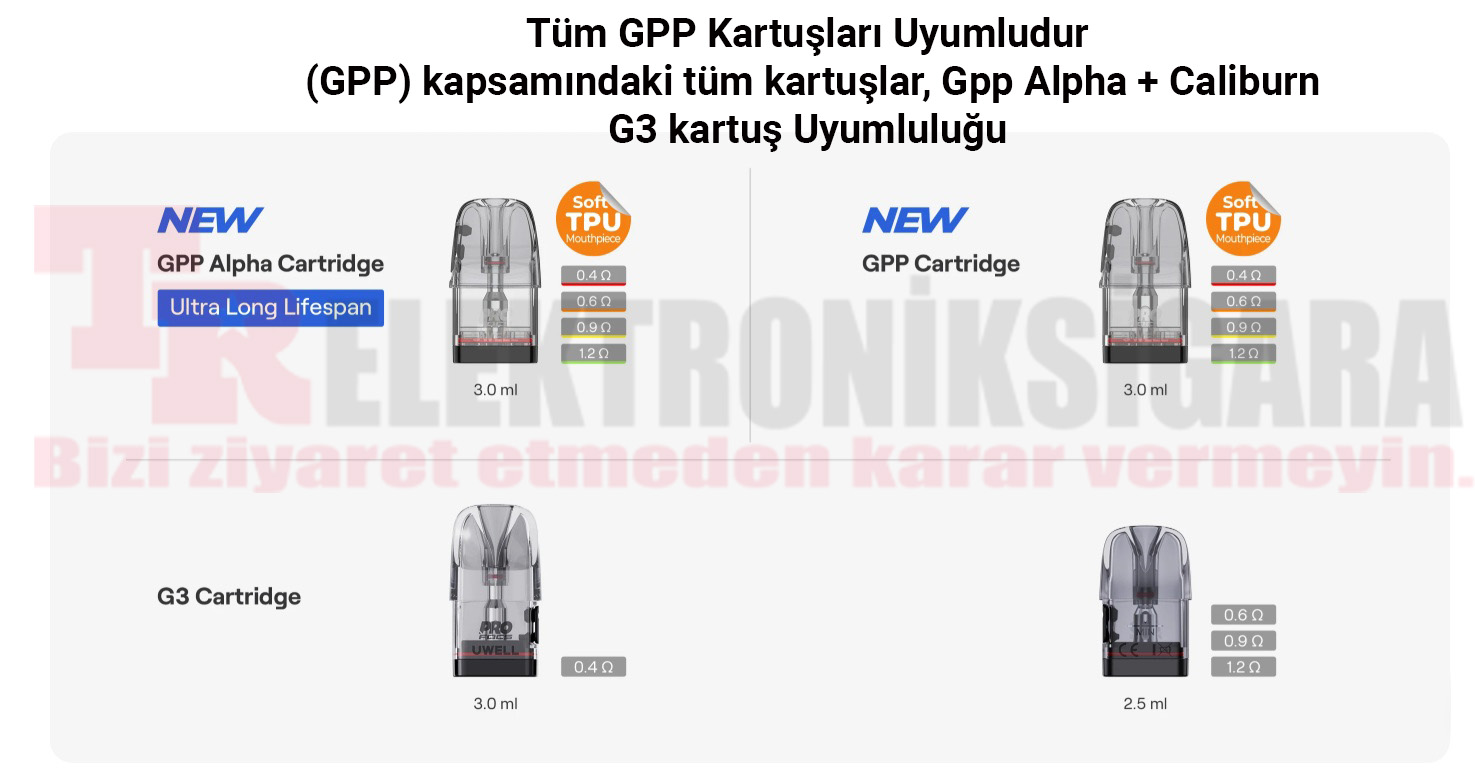
Unlike the standard Caliburn G5, which uses a triple-tap gesture on the device body, the G5 Pro features a true touchscreen . Double-tapping the animated U-icon on the screen opens the main control panel. Compatible cartridge options include GPP Alpha, standard GPP , and supported Caliburn G3 cartridges shown in the supplied compatibility graphics.
2 Cartridges
GPP Alpha (0.4Ω / 0.6Ω)
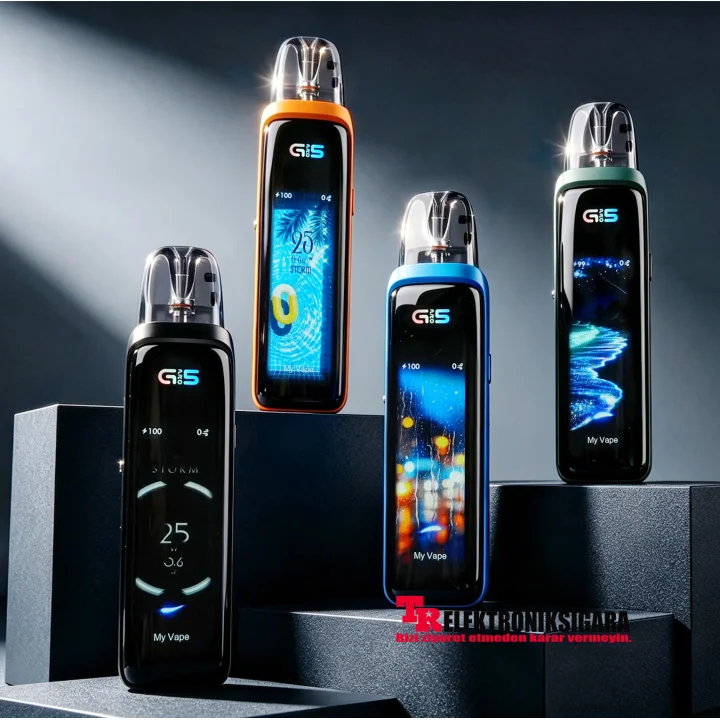
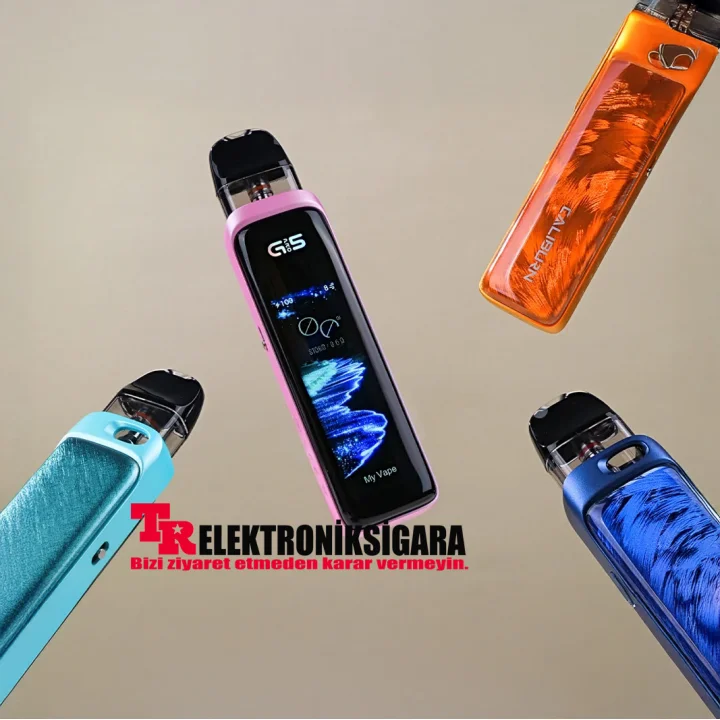
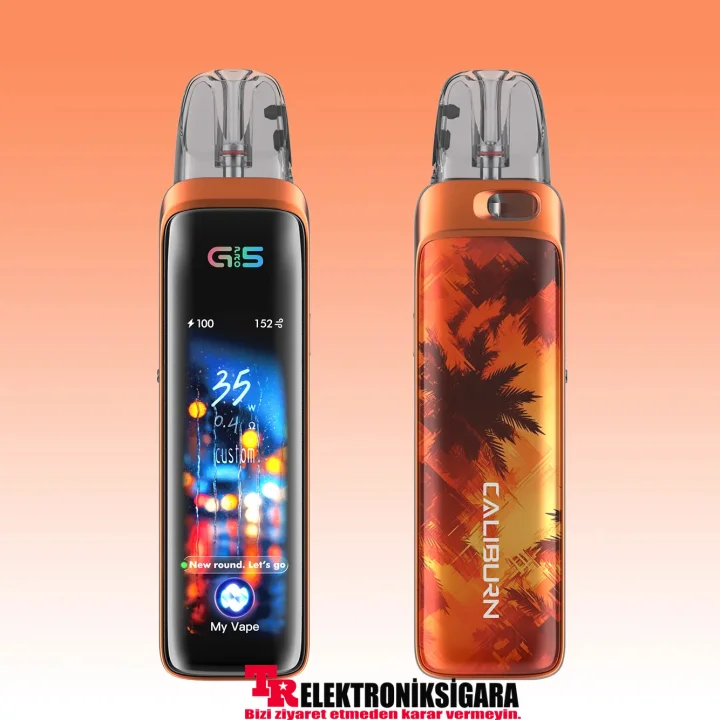
2.79-Inch HD Full Touchscreen
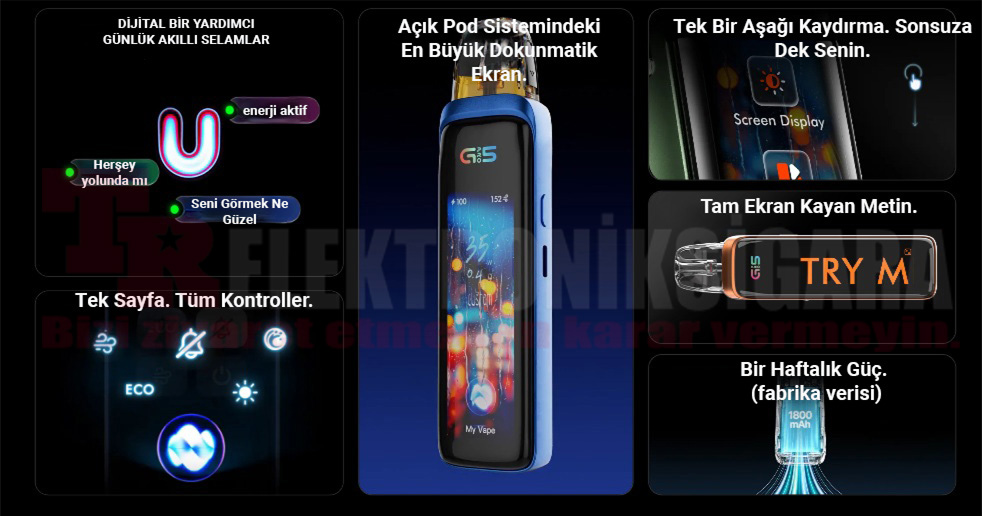
The highlight of the Caliburn G5 Pro is its 2.79-inch full touchscreen. Power, interface, and everyday settings can be managed on the spacious display. The manufacturer describes it as the largest touchscreen in the open-system pod category.
The device supports customizable full-screen scrolling text . Users can display their own short messages and select different visual themes.
3D Floating U-Icon and Smart Interaction
The device’s 3D Floating Engine Chip system can show animated notifications and interactive responses through the floating U-icon in different situations, including startup, wake-up, low battery, and after use. Double-tapping the U-icon opens the single-page control panel.
All Controls on One Page
Access screen brightness, operating modes, and other supported functions in one control panel without navigating nested menus.
Personalized Settings with a Single Swipe
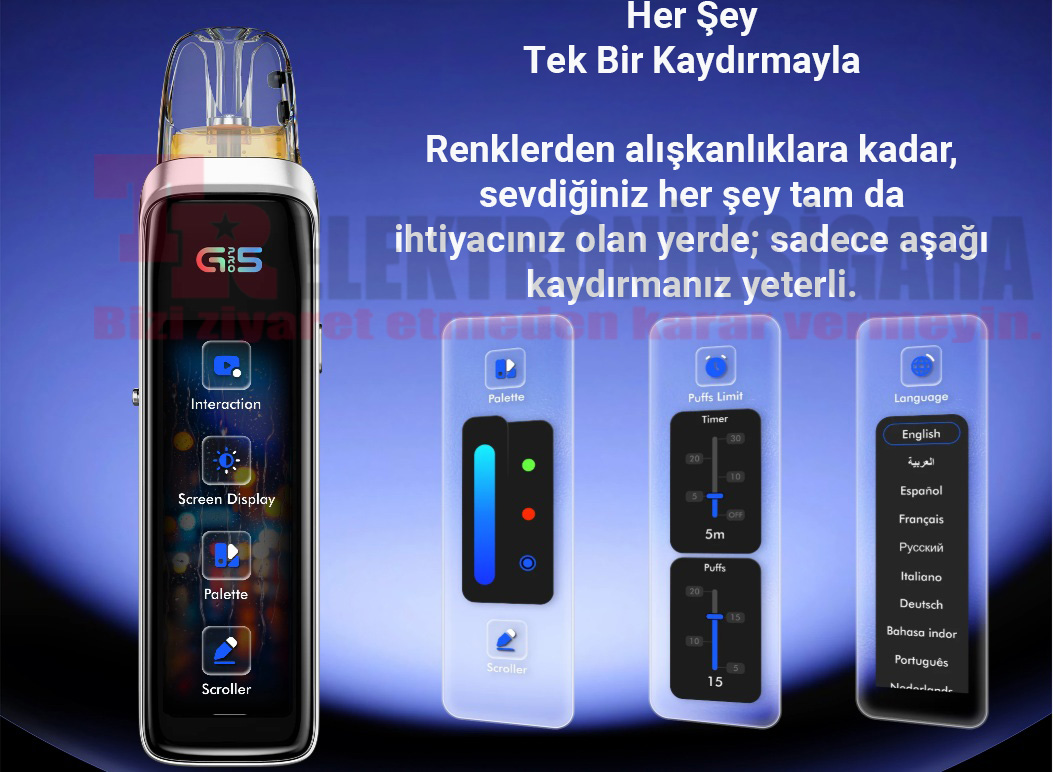
Swipe down to access color palettes, usage tracking, language selection, and other personalized settings. The G5 Pro offers 4 built-in user interface themes and 12 language options .
Color Palette and 4 Screen Themes
Customize the display’s colors and visual themes to match your preferences.
Usage Timer and Puff Limit
Adjust usage-tracking options such as the timer and puff-count limit.
12 Available Languages
Select your preferred language from the device’s supported interface languages.
Scrolling Text and Screen Controls
Create full-screen messages and manage brightness and other display settings.
1800mAh Battery and 35W Power
The built-in 1800mAh battery and 35W maximum output provide adjustable performance according to the resistance of a compatible cartridge. The manufacturer states that the device is designed to maintain consistent output even as the battery level drops.
The device charges through USB Type-C (5V / 2.5A) . Actual battery life depends on the selected power, cartridge resistance, screen usage, and frequency of use. 35W is the device’s maximum output rating, not the recommended operating power for every cartridge.
GPP Alpha Cartridges and GPP Platform Compatibility
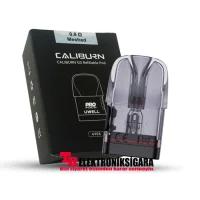
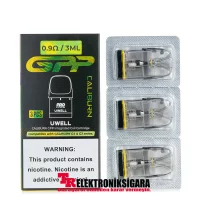
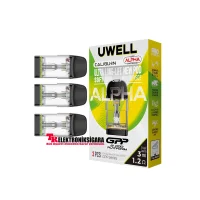
The G5 Pro is compatible with the GPP Alpha and standard GPP cartridge families. Featuring AlphaCore technology, GPP Alpha cartridges are designed for consistent flavor and extended cartridge life. A soft-touch TPU mouthpiece and a design intended to reduce leakage are also among their features.
The supplied compatibility image also shows Caliburn G3 cartridge options. Resistance values such as 0.4Ω, 0.6Ω, 0.9Ω and 1.2Ω may be available within the relevant cartridge series; not all resistance options are included in the box.
| Cartridge Series | Resistance Options | Compatibility / Notes |
|---|
| GPP Alpha | 0.4Ω / 0.6Ω / 0.9Ω / 1.2Ω | Compatible with G5 Pro; 0.4Ω and 0.6Ω cartridges are included in the box. |
| GPP | 0.4Ω / 0.6Ω / 0.9Ω / 1.2Ω | Compatible with G5 Pro; available separately. |
| Caliburn G3 | Shown in the image: 0.4Ω / 0.6Ω / 0.9Ω / 1.2Ω | The supplied compatibility graphic shows supported G3 cartridges. |
Important: Standard regional versions may include 3 ml side-fill GPP Alpha cartridges, while TPD versions may include 2 ml top-fill cartridges. Verify the actual capacity, filling method, and package contents for the specific version being sold.
Uwell Caliburn GPP Replacement Cartridges
Explore the available resistance and capacity options in the GPP cartridge range.
View GPP Cartridge Options
Adjustable Airflow
The side airflow control lets you adjust draw tightness. Depending on cartridge resistance and airflow settings, you can achieve a tighter MTL or a more open RDL draw. Keep the power setting within the recommended operating range for the cartridge in use.
Uwell Caliburn G5 Pro Specifications
| Brand / Model | UWELL / Caliburn G5 Pro |
| Device Type | Refillable pod system |
| Display | 2.79-inch HD full touchscreen |
| Battery | Built-in 1800mAh |
| Maximum Output | 35W |
| Charging | USB Type-C, 5V / 2.5A |
| Control System | Touchscreen, animated U-icon, and single-page control panel |
| Screen Themes | 4 user interface themes |
| Language Support | 12 languages |
| Cartridge Compatibility | Caliburn GPP, GPP Alpha, and supported G3 cartridges |
| Included Cartridge Resistances | 0.4Ω and 0.6Ω GPP Alpha |
| Cartridge Capacity | 3 ml standard version / 2 ml TPD version |
| Refilling Method | Side-fill on the standard 3 ml version; top-fill on the 2 ml TPD version |
| Airflow | Adjustable |
| Body Materials | PCTG / PC (materials listed in the product specification sheet) |
| Dimensions | 30.2 × 18.8 × 119.4 mm (supplied TPD specification) |
| Net Weight | Approx. 85 g |
Technical dimensions and cartridge filling methods may vary by regional version or production batch.
Package Contents
- 1 × Uwell Caliburn G5 Pro Device
- 1 × Caliburn GPP Alpha 0.4Ω Cartridge
- 1 × Caliburn GPP Alpha 0.6Ω Cartridge
- 1 × User Manual
The English specification sheet lists 2 ml top-fill cartridges for the TPD version, while the standard product description lists 3 ml side-fill cartridges. A charging cable is not listed in the box contents and should not be assumed to be included.
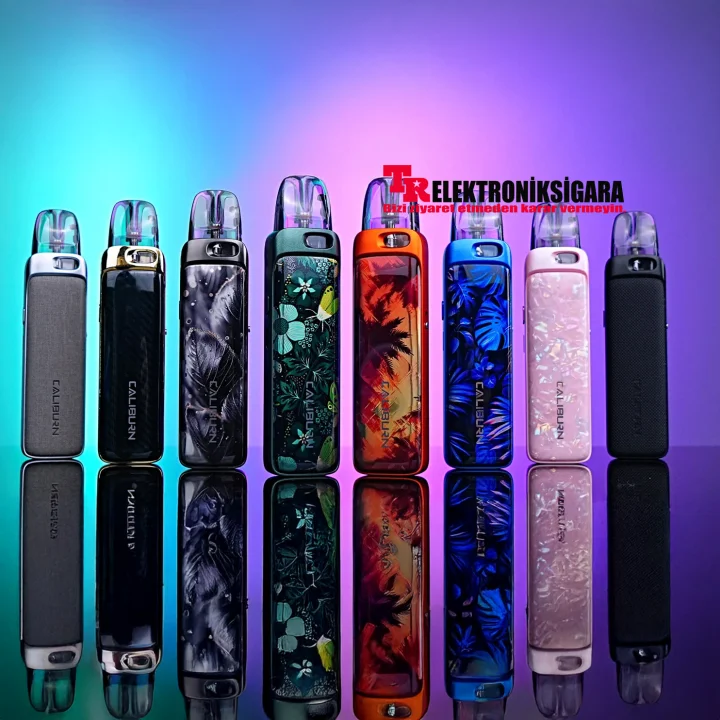
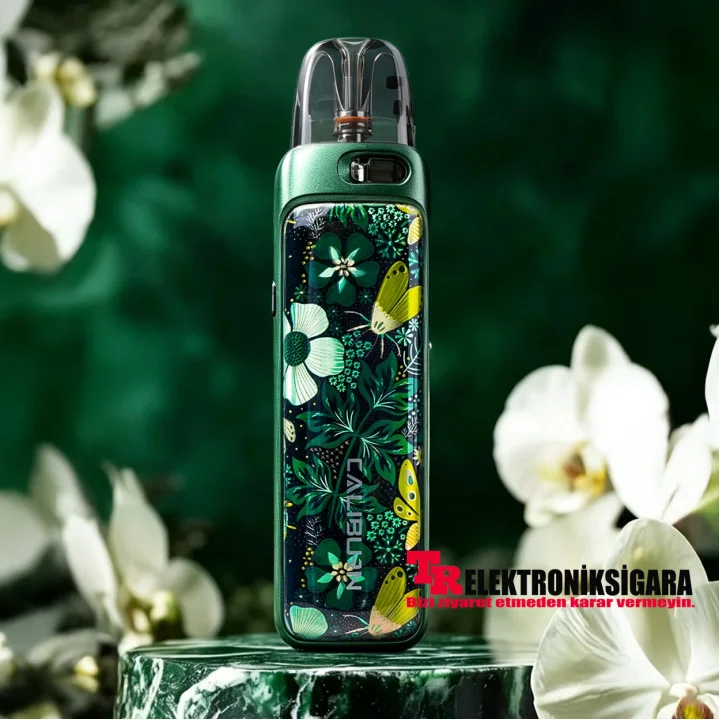
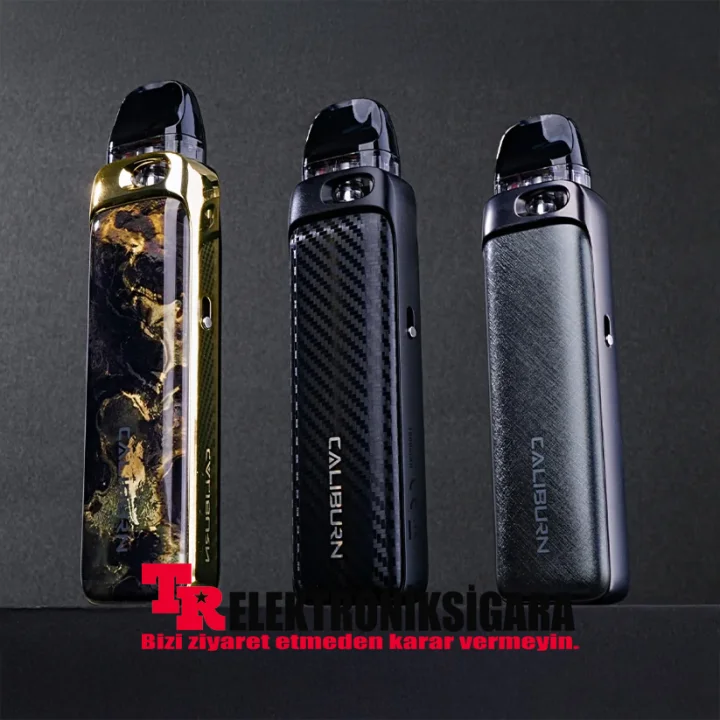
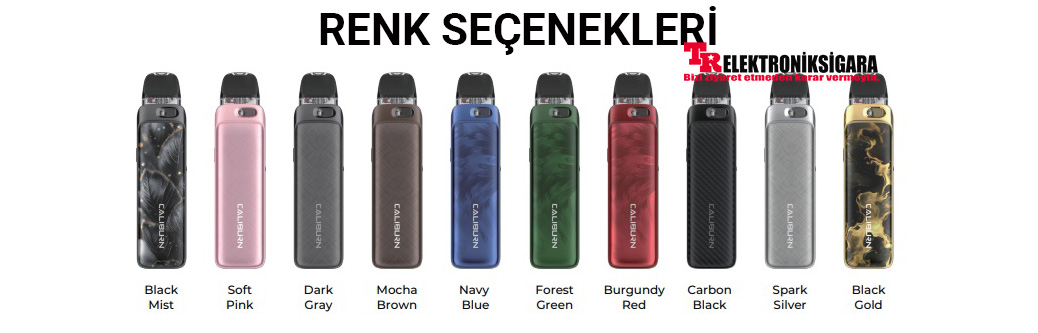
Uwell Caliburn G5 Pro Color Options
Colors and finishes shown in the supplied product image:
Black Mist
Soft Pink
Dark Gray
Mocha Brown
Navy Blue
Forest Green
Burgundy Red
Carbon Black
Spark Silver
Black Gold
Color names are based on the supplied image. Please check the product variation selector for available colors and stock.
First Use and Cartridge Refilling
- Open the top- or side-filling port, depending on your cartridge model.
- Fill through the designated opening, not the central airflow tube.
- Close the filling port securely. After filling a new cartridge, wait approximately 10 minutes for the wick to absorb the e-liquid.
- Insert the cartridge into the device and adjust the power and display settings according to the recommended settings for your cartridge.
- Do not operate the device with an empty cartridge. Consult the user manual for maintenance and safety guidance.
Cartridge Leaking and Spitback Guide
Read about basic precautions for refilling, leaking, and e-liquid spitback.
Read the Usage Guide
Explore More Pod Mod Devices
Compare pod devices with different battery capacities, screens, cartridges, and power options in the same category.
Browse Pod Mod Devices
Information Sources: UWELL official Caliburn G5 Pro product page, the product specification sheet, and the supplied product images.
Manufacturer Product Page.
Warning: This product is intended for adults only. E-liquids containing nicotine may be addictive. Read the user manual before use and use compatible cartridges within their recommended power range. Keep away from children and pets. Battery life, cartridge lifespan, and performance may vary depending on individual usage conditions.